2. USDT TRC20 Deposit
Scan the QR code or copy the verified wallet address below. Send USDT only through the TRON (TRC20) network.
Network: TRON (TRC20)
Asset: USDT
Asset: USDT
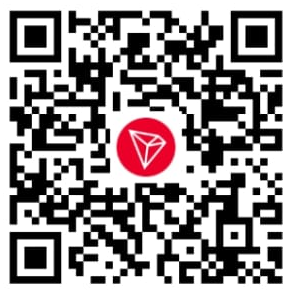
Deposit Address
Verify the network and address in your wallet before confirming the transfer.
TRyUiiMrfc7L6hkTKS5GR4dDb75K44J2pc
Upload a clear screenshot of your completed USDT TRC20 payment (PNG, JPG or WebP, max 5 MB).
⚠️ Send only USDT on TRC20. Sending another token or using another network can result in permanent loss. Your balance will not be credited until the transaction is independently verified.